Metamorphosis — Social Metadata Preview Chrome Extension
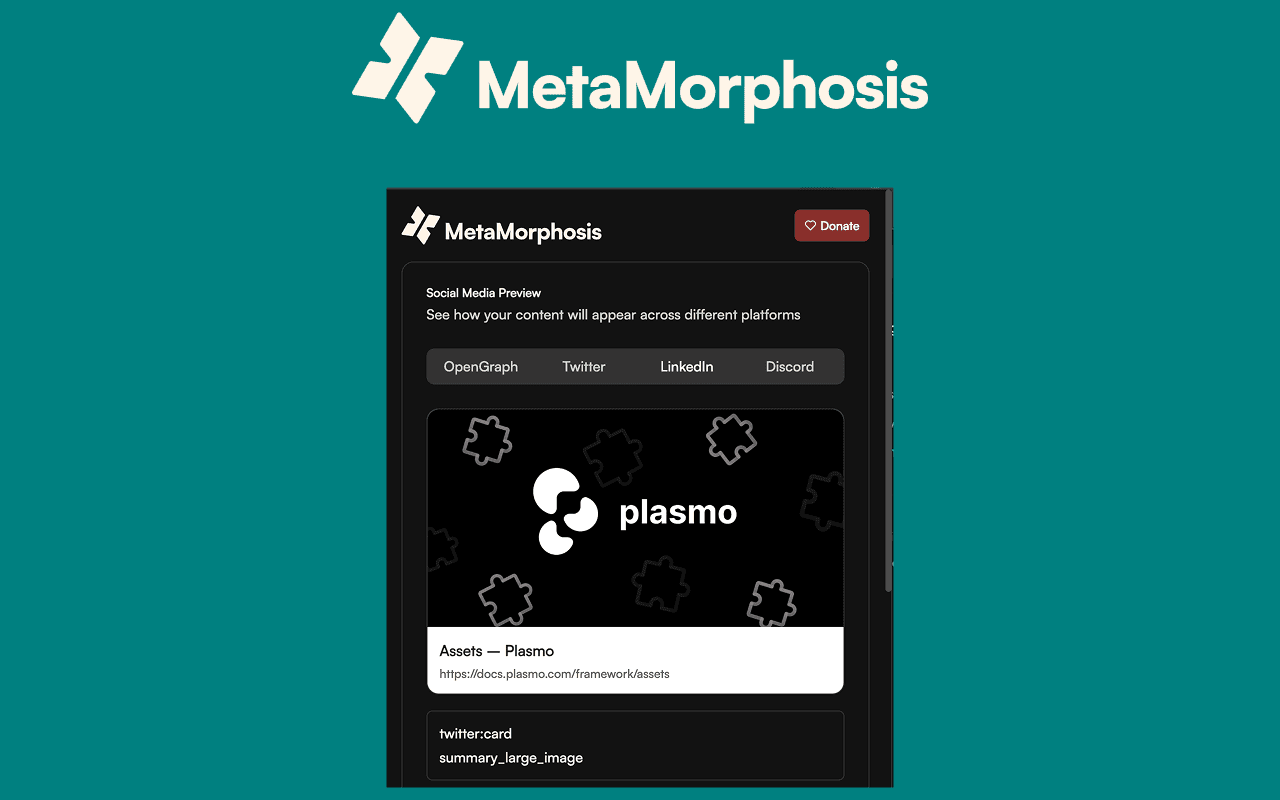
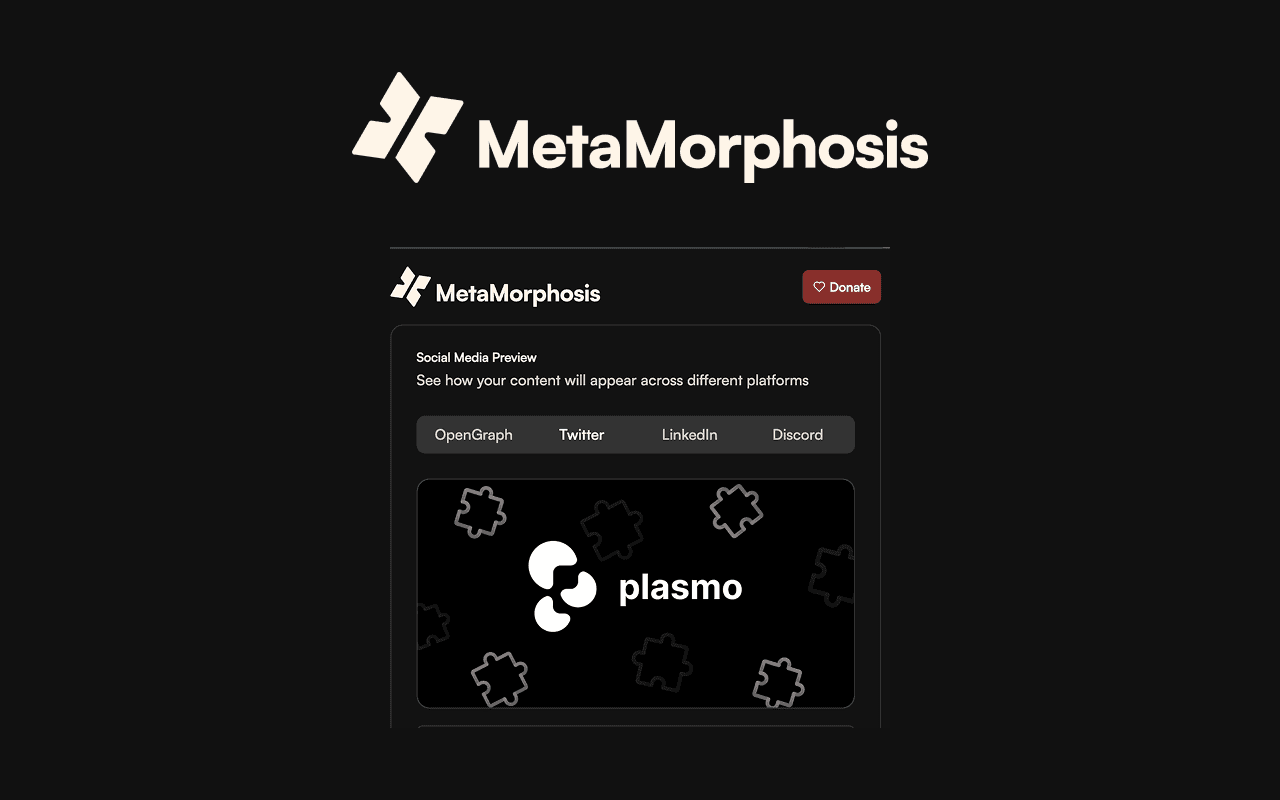
A Chrome extension that renders live previews of OpenGraph, Twitter, LinkedIn, and Discord social cards directly from any page — especially useful in local development.
Overview
Metamorphosis is a small developer tool I built to solve a very practical problem:
There is no good way to preview social media link cards (OpenGraph, Twitter, LinkedIn, Discord) while developing locally.
Most platforms only show previews for public URLs, which makes development painful. You either have to:
- Deploy just to check metadata
- Use temporary tunnels
- Or rely on guesswork and hope it looks right
Metamorphosis reads the page’s metadata and renders accurate social card previews directly in the browser, instantly.
I built it using Plasmo, a framework for building and shipping browser extensions, because I wanted to try it out and it turned out to be a great fit for rapid iteration and clean extension architecture.
I use Metamorphosis daily while building web apps, especially when working on SEO, sharing, and Open Graph images.
The Problem
When developing locally, it’s hard to answer simple questions like:
- Does my OpenGraph image render correctly?
- Does the title get truncated on Twitter/X?
- How does LinkedIn format this description?
- Does Discord pick the right image and title?
- Are all meta tags present and correct?
Existing tools:
- Require public URLs
- Are slow or indirect
- Break the local dev workflow
- Or don’t match real platform behavior closely enough
The Solution
Metamorphosis is a Chrome extension that:
- Reads:
- OpenGraph tags
- Twitter card tags
- Standard meta tags
- Renders:
- Generic OG preview
- Twitter/X preview
- LinkedIn preview
- Discord preview
- Displays:
- A structured list of all detected metadata
- Missing or conflicting fields
All directly from the currently open page — no deploys, no tunnels, no copy-pasting URLs into external tools.
Built with Plasmo, the extension benefits from:
- Fast dev server & hot reload
- Clean project structure
- Simple packaging & distribution
- A great DX for extension development
How It Works (High Level)
- Plasmo handles:
- Build tooling
- Extension manifest generation
- Dev workflow & packaging
- The extension:
- Injects a content script into the active tab
- Extracts all relevant
<meta>tags - Normalizes them into a unified internal model
- The UI:
- Renders platform-specific preview cards
- Uses platform-specific layout rules (as close as possible)
- Lists all parsed metadata for inspection
The goal wasn’t to perfectly clone each platform pixel-for-pixel, but to provide:
- Fast feedback
- Correct hierarchy & content
- Confidence that the data is right
Why This Matters (DX)
This tool:
- Removes friction from SEO & sharing-related development
- Makes OG image and metadata iteration much faster
- Catches:
- Missing tags
- Wrong titles/descriptions
- Wrong images
- Inconsistent metadata between standards
- Fits naturally into a frontend developer workflow
My Role
This was a solo project.
I:
- Identified the problem from daily development work
- Chose Plasmo as the framework to explore modern extension tooling
- Designed the UX of the extension
- Implemented:
- Metadata parsing
- Normalization logic
- Preview rendering
- Extension UI
- Packaged and tested it as a Chrome extension
- Continue using and iterating on it in real projects
Tech Stack
- Plasmo (browser extension framework)
- JavaScript / TypeScript
- Chrome Extension APIs
- DOM parsing
- Lightweight UI rendering
What I’d Improve Next
- Add preset templates for more platforms
- Export/share preview images
- Highlight missing or invalid tags more aggressively
- Add support for more card variants
Closing Thoughts
Metamorphosis is a good example of how I like to work:
- Notice friction in daily workflows
- Try new tools and frameworks
- Build small, focused solutions
- Optimize for developer experience
- Ship things that are immediately useful
It’s not a big platform — but it’s a high-impact, practical tool I rely on constantly.
Read more
Treeland Nursery — Custom E-commerce Platform
A fully custom e-commerce platform built with MedusaJS and Next.js, including a bespoke admin, advanced search, region-based pricing, and a growing CMS & POS roadmap.
UCP Hub — Universal Commerce Protocol Integration Platform
A multi-tenant SaaS platform implementing the Universal Commerce Protocol, with a modular core, connector system, and AI-powered testing platform.